

Troubleshooting
The board is plugged in but doesn’t type
Section titled “The board is plugged in but doesn’t type”- Seat every cable fully. Try known-good cables.
- If a drive named RPI-RP2 is showing, that half is in bootloader mode. Press RESET once. Try both halves.
- Check that every key is installed and seated.
- Check that both halves run the same release, left file on left and right on right.
A key is always on
Section titled “A key is always on”- Check the key is fully inserted and moves freely.
- Check its flag (the part inside the cluster) is intact and opaque, with no pinholes. For keys printed in a color other than black, coat the flag with silver metallic Sharpie.
A key never registers
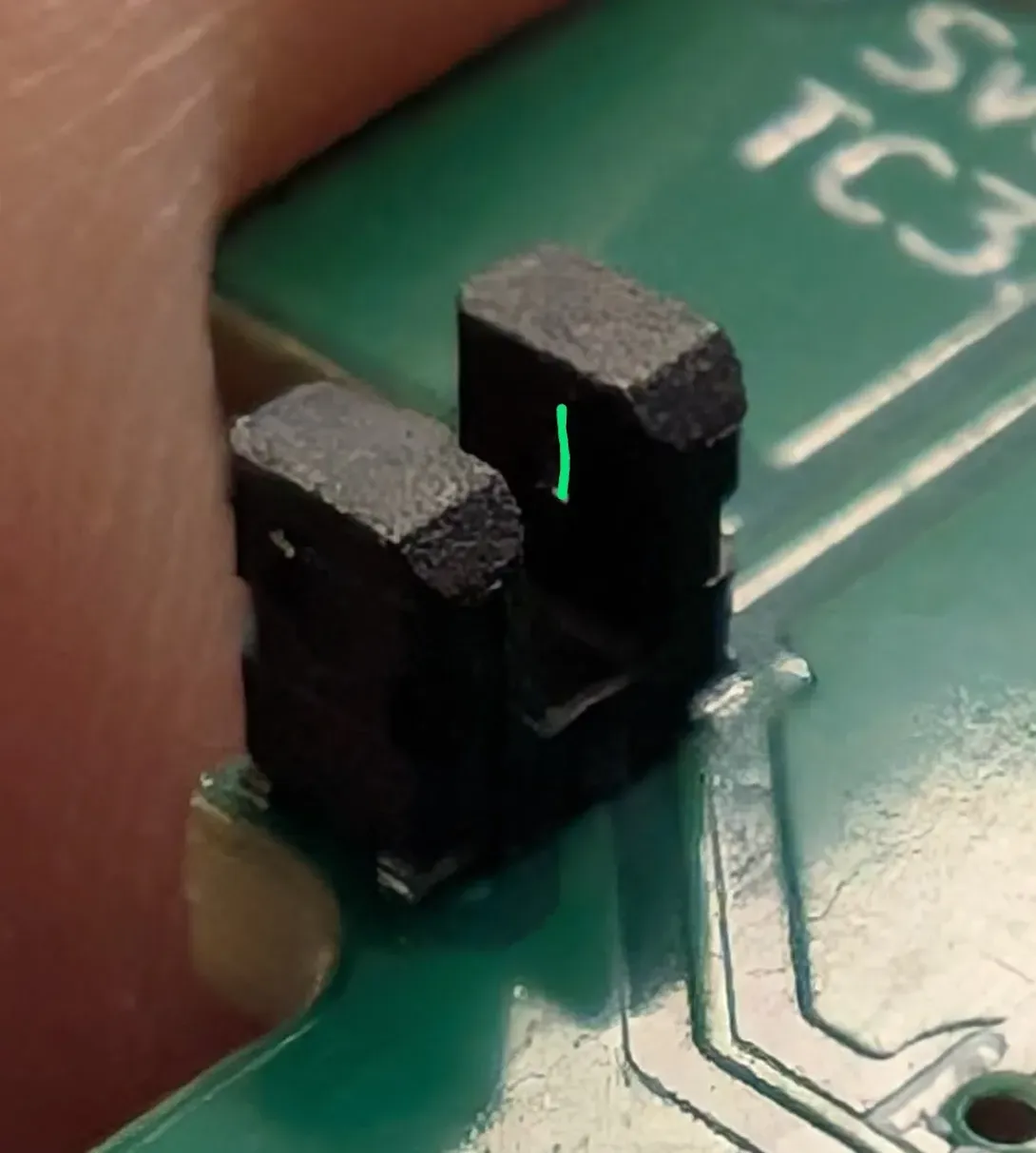
Section titled “A key never registers”Dust in the sensor slot is the usual cause. Clear the slot and the slits on both sides with a toothpick and compressed air. They are tiny; be gentle.
Left Nail or Right Pad key registers inconsistently
Section titled “Left Nail or Right Pad key registers inconsistently”Pressing far off center can tilt the key in its well. Fit your thumb so it hits near the key’s center; shimming is better than moving the thumb deeper into the cluster. If it continues, contact support@svalboard.com.
A key sticks
Section titled “A key sticks”- Remove the keys from that cluster and blow out the well.
- Look for burrs or debris on the key and well edges.
- If the return feels slow, lightly sand the bottom rear edge of the key base.
A key double-triggers
Section titled “A key double-triggers”The key is probably too far from your finger, so you press only to the trigger point. Move the cluster slightly toward that key. For a North key, move the cluster a little south.
TrackPoint drifts
Section titled “TrackPoint drifts”Press Fix Drift (see TrackPoint drift). Update to the latest firmware. If it drifts the opposite way after each move, a firmware update fixes it.
TrackPoint jumps at random
Section titled “TrackPoint jumps at random”The microcontroller on the TrackPoint half must be labeled V3 or later, or have large through-hole resistors soldered from pins 23 and 24. If it does and the TrackPoint still jumps, it may be damaged. Contact support@svalboard.com.
Trackball doesn’t respond
Section titled “Trackball doesn’t respond”Check that you flashed the trackball file for that half (see Firmware files). Units shipped after May 2024 use the PMW3389 file. A wrong file does no harm.
Trackball tracks poorly
Section titled “Trackball tracks poorly”The ball may sit too far from the sensor. Dip the holder’s plastic parts (not the electronics) in hot water for 30 seconds and reshape it to bring the ball closer, or contact support@svalboard.com.
Still stuck
Section titled “Still stuck”Ask on the Discord or see support. For firmware and Keybard problems, see Recovery.