

Step 10: Install towers on baseplates
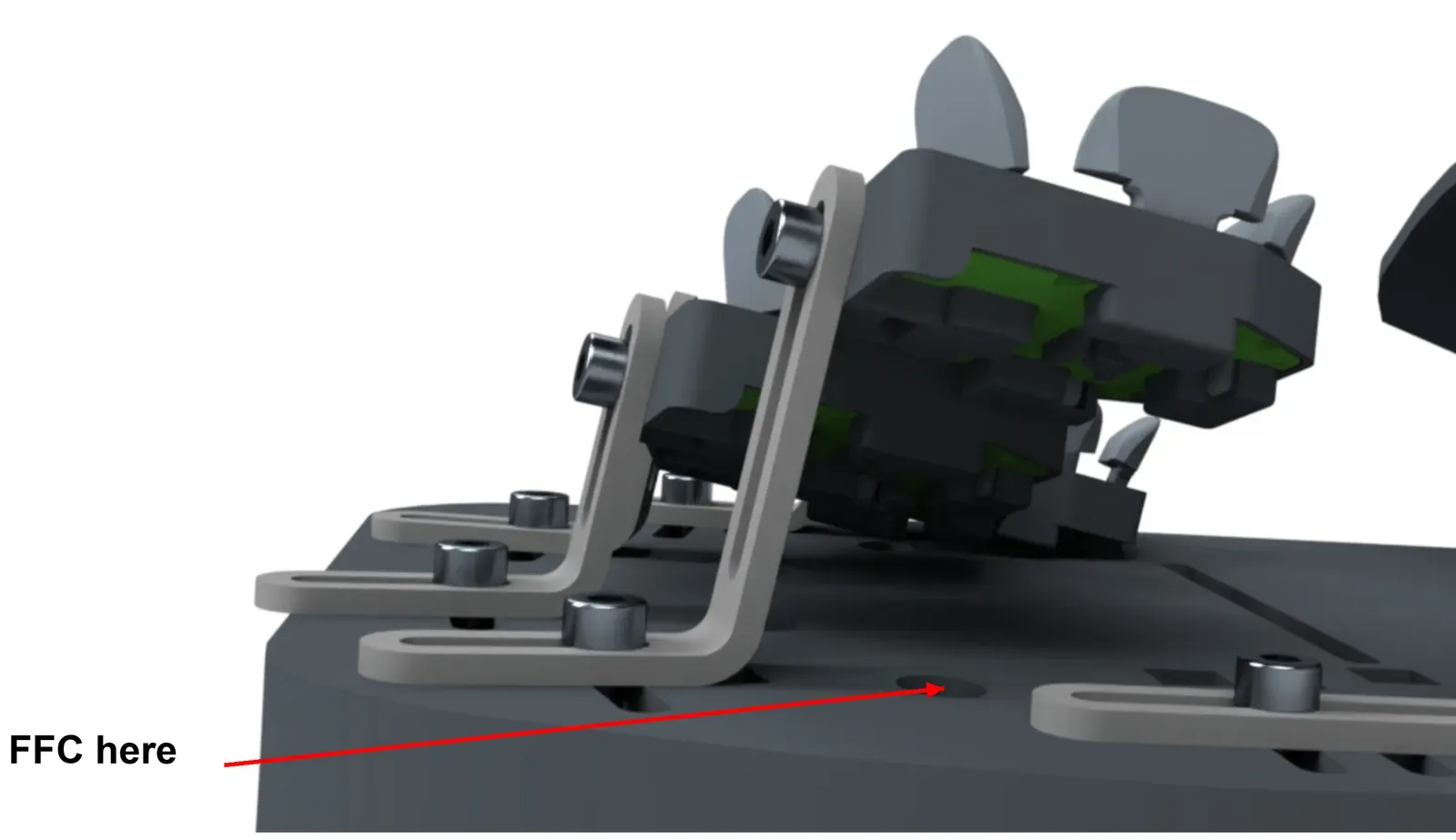
- Take a cluster and tower assembly. Feed the cluster’s FFC through the matching hole in the base plate.
- Put an M3x6 mm screw through the tower base and into the square nut in the base plate slot.
- Tighten it enough to hold the tower. You’ll move the towers later to fit your hand (Step 18), so don’t tighten them hard.
If you have a TrackPoint, trackball or touchpad, install it next: see Steps 10a to 10c.