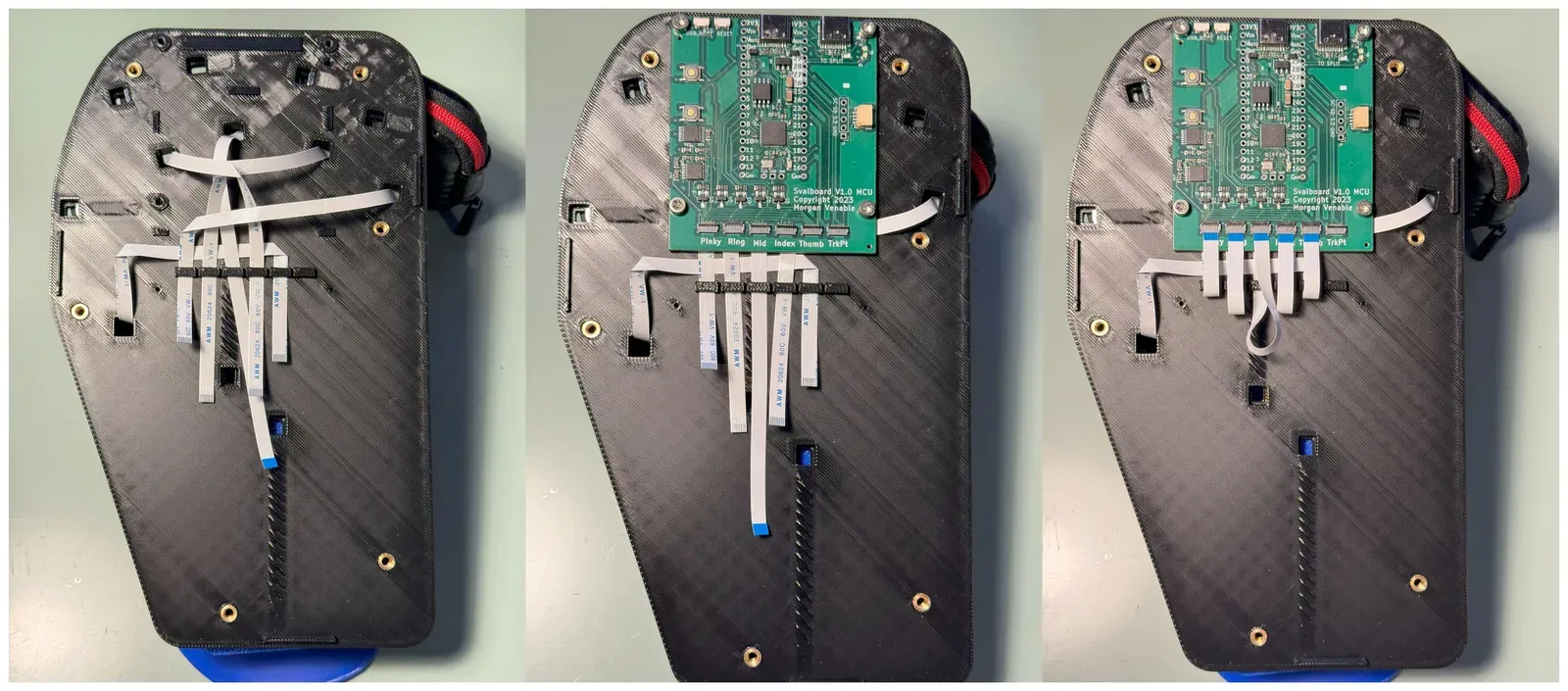
Step 11: Route cables
The photos show routing through the channels in the base plate. You don’t have to use the channels: connecting the cables directly, without them, is easier to work with in the long run. Either way, make sure every cable keeps the right orientation: contacts down at the MCU, blue stiffener up.
- You can put twists and creases in the FFCs wherever you like, under the PCBA or in the free sections below it.
- Don’t cut or tear the FFCs, and don’t drive screws into them.
The right half is shown.
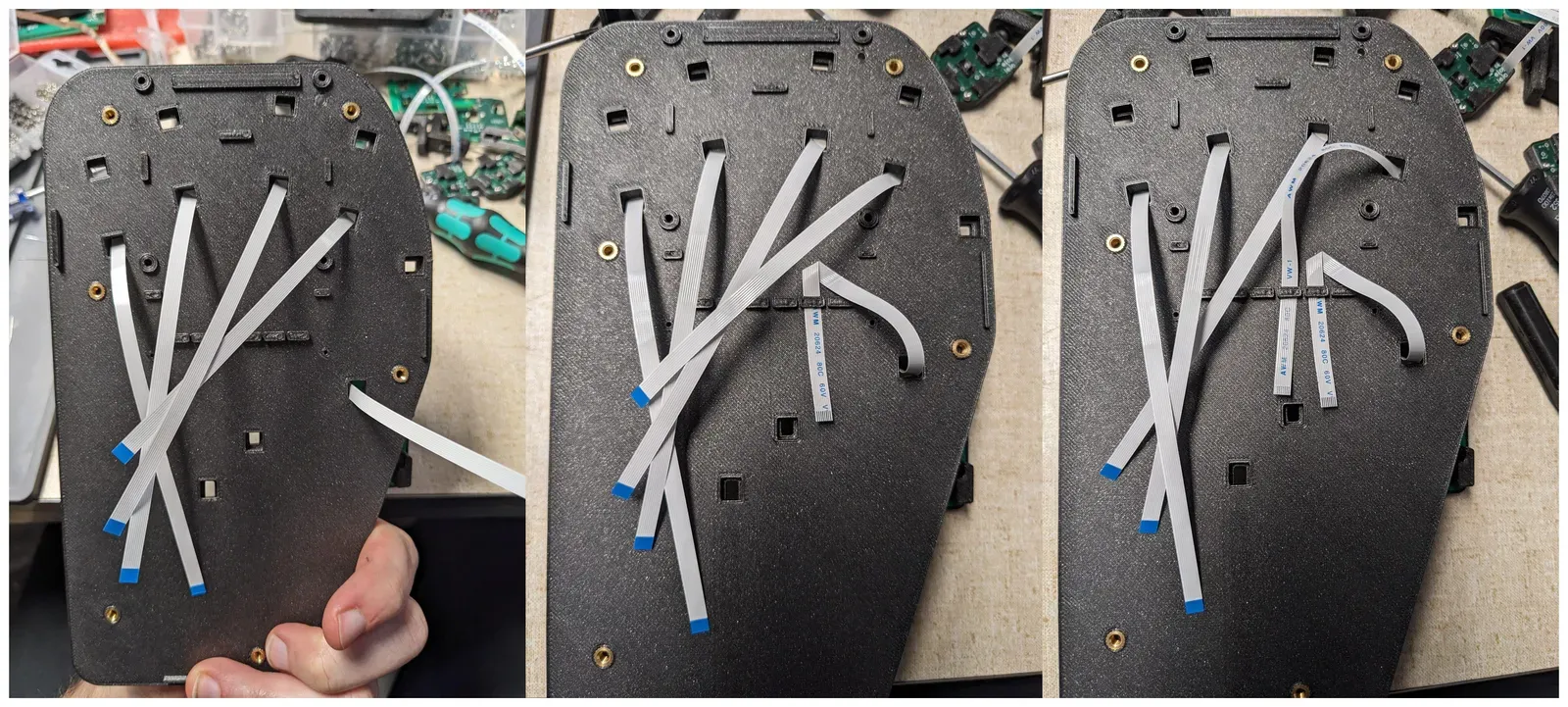
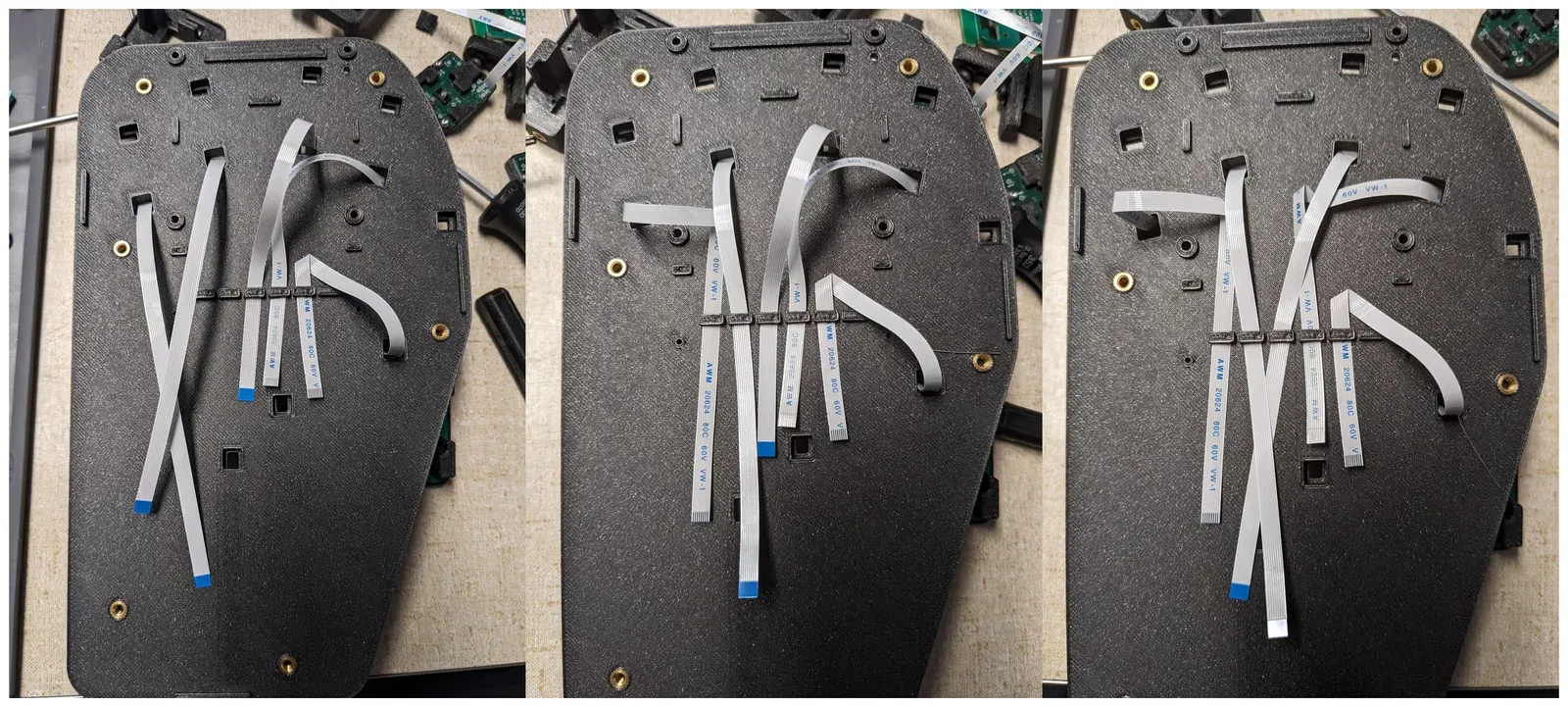
Left half
Section titled “Left half”On the left half, the thumb FFC has to cross all the way to the opposite side.